Should you Chase a Perfect 100 in Google Lighthouse?
This article is as non-technical as it can be.
If you’ve ever run your website through Google Lighthouse and seen a score that isn’t 100, chances are you’ve felt that little itch to “fix it.” Maybe you’ve even spent hours tweaking things, chasing that perfect score like it’s some kind of gold medal. But here’s the honest truth: for most small business owners, trying to get 100 in Lighthouse is a poor use of your time.
That might sound a bit bold, especially when everyone talks about optimisation, speed, and performance. But once you understand what Lighthouse is actually telling you – and more importantly, what it isn’t telling you – things start to make a lot more sense.
In this article, we’ll walk through where to find Lighthouse, what the scores really mean, and why there’s a clear point where improving your score simply isn’t worth the effort. We’ll also talk about what actually matters for your business: getting visitors, keeping them engaged, and turning them into customers.
Where to Find Lighthouse in Google Chrome
Before we get into why chasing 100 isn’t worth it, let’s quickly cover where you can actually find Lighthouse. The good news is you don’t need to install anything extra – it’s already built into the Chrome browser.
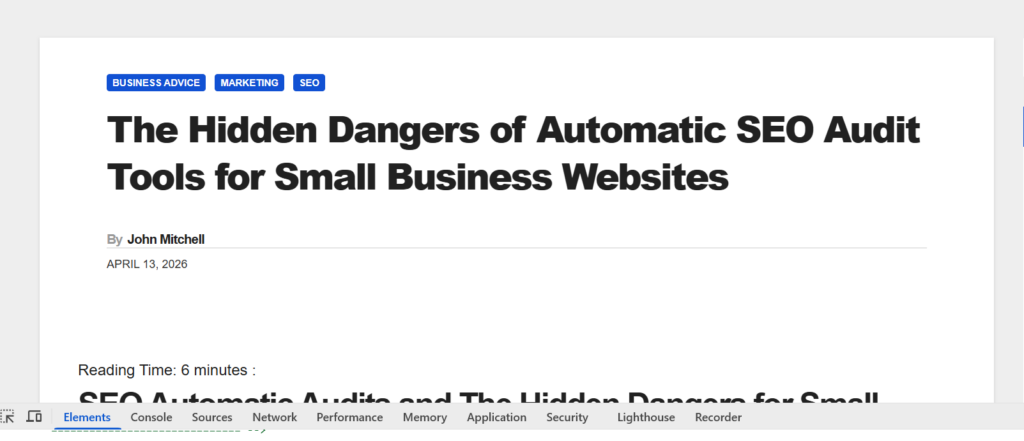
To access it, open your website in Google Chrome. Then right-click anywhere on the page and click Inspect. This opens up the developer tools panel, which might look a bit intimidating at first, but don’t worry – we’re keeping things simple.
Along the top of that panel, you’ll see a row of tabs like “Elements,” “Console,” and “Network.” Somewhere along that line (you might need to click the little arrows if it’s hidden), you’ll find a tab called Lighthouse. Click on it.
From there, you can choose what type of report you want. For most small business owners, the default options are fine. You can tick things like Performance, Accessibility, Best Practices, and SEO. Then click Analyse page load and let it do its thing.
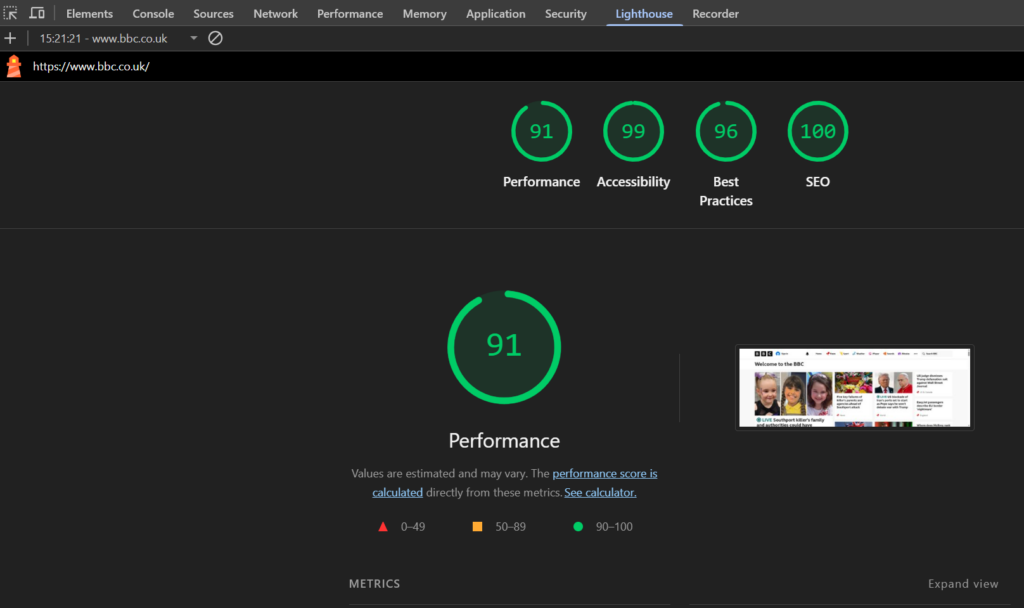
After a short wait, you’ll get a report with scores out of 100 for each category. Green is good, orange is okay, and red means there’s room for improvement.
It’s worth saying here: this tool is helpful. It can highlight real issues, especially if your site is very slow or missing key basics. But it’s not the final word on how good your website is. It’s just one tool – and like any tool, it has limits.
If you’re exploring tools like this, you might also find it helpful to look at other resources like SEO tools for small businesses, which gives a broader view of what’s available beyond Lighthouse.
What Lighthouse Gets Right (and Why It’s Still Useful)
Let’s be fair to Lighthouse for a moment – it does a lot of things well. If the page you are checking on your website is slow, clunky, or missing basic optimisation, Lighthouse can point you in the right direction.
For example, it might flag that your images are too large, your scripts are slowing things down, or your pages take too long to load. These are all valid issues. If your site takes ages to load, visitors will leave. That’s not just bad for user experience – it can affect your search rankings too.
Lighthouse also highlights accessibility issues, like poor contrast or missing labels. Fixing these can make your site easier to use for everyone, which is always a good thing.
And when it comes to SEO, Lighthouse checks for basics like meta tags, mobile friendliness, and proper structure. These are the foundations of a solid website.
If you’re just starting out, or your website hasn’t been reviewed in a while, Lighthouse can act as a kind of checklist for each page. It helps you spot obvious problems that might otherwise go unnoticed.
But here’s the key point: Lighthouse is very good at spotting problems, but it doesn’t always understand context.
It doesn’t know your business goals. It doesn’t know your audience. It doesn’t know whether a tiny improvement in load time will actually make any difference to your sales.
That’s where things start to get a bit more complicated – and where the idea of chasing a perfect score begins to fall apart.
If you want a broader, more practical understanding of SEO beyond automated tools, it’s worth reading something like basic SEO tips for small businesses, which focuses on real-world results rather than just scores.
The Law of Diminishing Returns in Website Optimisation
Now we get to the heart of the issue: the law of diminishing returns.
In simple terms, this means that the more effort you put into something, the less benefit you get back over time. And this applies perfectly to Lighthouse scores.
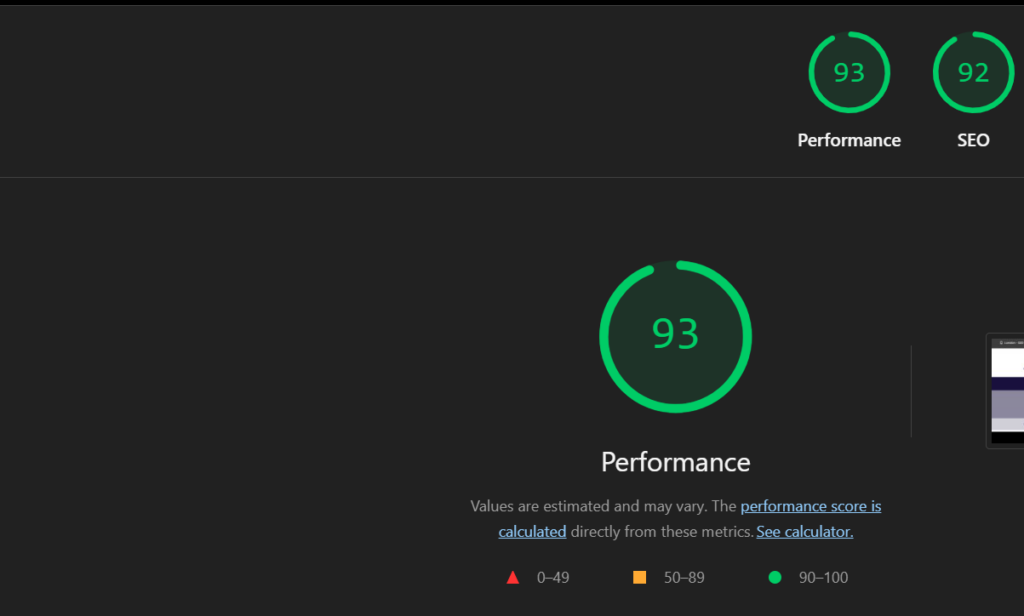
Going from a score of 40 to 70? That can make a big difference. Your site becomes faster, more usable, and more appealing to visitors.
Going from 70 to 90? Still worthwhile in many cases. You’re refining things, smoothing out rough edges, and improving overall quality.
But going from 90 to 100? That’s where things get tricky.
Those last few points often require a disproportionate amount of time and effort. You might be tweaking tiny bits of code, delaying scripts, or removing features that actually add value to your site – all for the sake of a number.
In some cases, you might even make your site worse for real users just to satisfy Lighthouse. For example, delaying important scripts might improve your score, but it could also break functionality or make your site feel sluggish in other ways.
And here’s the uncomfortable truth: your customers don’t care about your Lighthouse score.
They care about whether your site loads quickly enough, whether it’s easy to use, and whether it gives them what they need.
A site that scores 85 but converts well is far more valuable than a site that scores 100 but confuses visitors or lacks key features.
This is why it’s important to focus on outcomes, not just metrics. Tools like Lighthouse are there to guide you, not to dictate your priorities.
If you’re interested in how different factors influence your visibility, you might also want to read how website design affects SEO, which looks at the bigger picture.
Why “Green is Good Enough” for Most Small Businesses
Here’s a simple rule of thumb: if your Lighthouse scores are in the green, you’re probably doing okay.
Green means your site meets a solid standard. It’s not perfect, but it’s performing well enough for most users and search engines.
And for a small business, that’s exactly where you want to be.
Think about it this way. Your time and budget are limited. Every hour you spend tweaking tiny performance issues is an hour you’re not spending on marketing, customer service, or improving your products.
So the real question becomes: where is your time best spent?
For most businesses, the answer isn’t “getting from 92 to 100 on Lighthouse.” It’s things like writing better content, improving your offers, or building relationships with customers.
There’s also the fact that Lighthouse scores can vary. Run the same test twice and you might get slightly different results. That alone should tell you that it’s not an exact science.
What matters more is consistency. Is your site generally fast? Does it work well on mobile? Can users find what they need quickly?
If the answer is yes, then you’re in a good place.
For a more rounded approach to improving your website’s visibility, take a look at what is SEO and how does it work. It explains the fundamentals in plain English and helps you focus on what actually drives results.
What You Should Focus on Instead
If chasing 100 isn’t the goal, what should you focus on instead?
The answer is surprisingly simple: your users and your business goals.
Start with your customers. What do they want when they visit your site? Are they looking for information, products, or a way to contact you?
Make sure your site delivers that quickly and clearly. That means simple navigation, clear messaging, and pages that load fast enough to keep people engaged.
Next, think about content. Good content does far more for your business than a perfect Lighthouse score ever will. It helps people find you, builds trust, and encourages them to take action.
Then there’s usability. Can someone use your site easily on their phone? Can they complete a purchase or enquiry without frustration?
These are the things that actually impact your bottom line.
Of course, performance still matters. You don’t want a slow, broken site. But once you’ve reached a decent level – usually reflected by those green scores – it’s time to shift your focus.
It’s also worth exploring broader strategies, like those covered in on-page SEO checklists, which give you practical steps that go beyond technical tweaks.
At the end of the day, your website is a tool for your business. It’s not a competition to see who can get the highest score in a testing tool.
Final Thoughts: Don’t Let a Number Dictate Your Strategy
It’s easy to get caught up in numbers. Scores feel objective, clear, and measurable. But they don’t always tell the full story.
Lighthouse is a useful tool, and it can help you spot genuine issues. But it’s not the ultimate judge of your website’s success.
Chasing a perfect 100 often leads to wasted time, unnecessary changes, and a focus on the wrong priorities. Meanwhile, the things that actually matter – like content, usability, and customer experience – can get overlooked.
So by all means, use Lighthouse. Fix the obvious problems. Aim for green scores.
But once you’re there, give yourself permission to stop.
Your goal isn’t to impress a tool. It’s to build a website that works for your business and your customers.
And that’s something no single score can measure.
About the Author
John K Mitchell has been optimising websites for search engines since 1997, which was before Google even existed. With a strong programming background, he quickly realised he could analyse search results and begin to understand – or at least make educated guesses about – why certain websites ranked where they did.
Since then, John has worked on thousands of websites across a wide range of industries. His practical, results-driven approach has helped businesses achieve strong visibility online, often securing high rankings in competitive markets.
He currently (measured over the last month) has a track record of over 1600 first-place rankings and nearly 3,700 results in the top five positions in Google for his clients. His focus has always been on what works in the real world, rather than chasing trends or relying solely on automated tools.
At the moment, John is not taking on any new clients so this is not a marketing post in any way.